How Chrome Connects to Peripherals
Cross platform reach, simpler deployment, faster iteration all through JavaScript drivers that run natively in Chrome.
Learn More about how Chrome connects to peripherals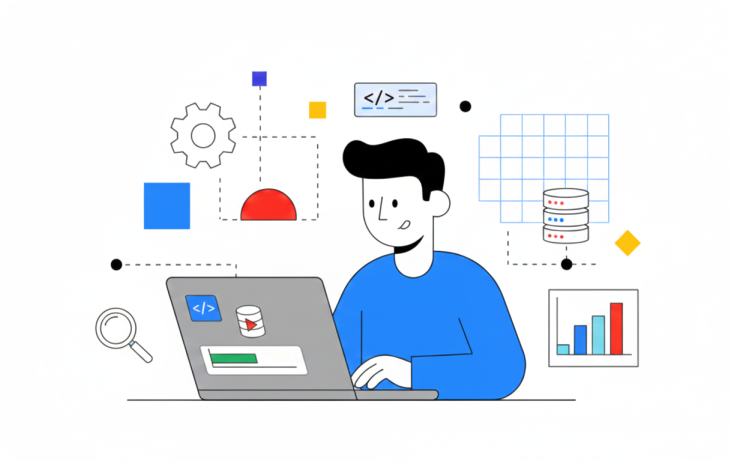
Learn About New APIs
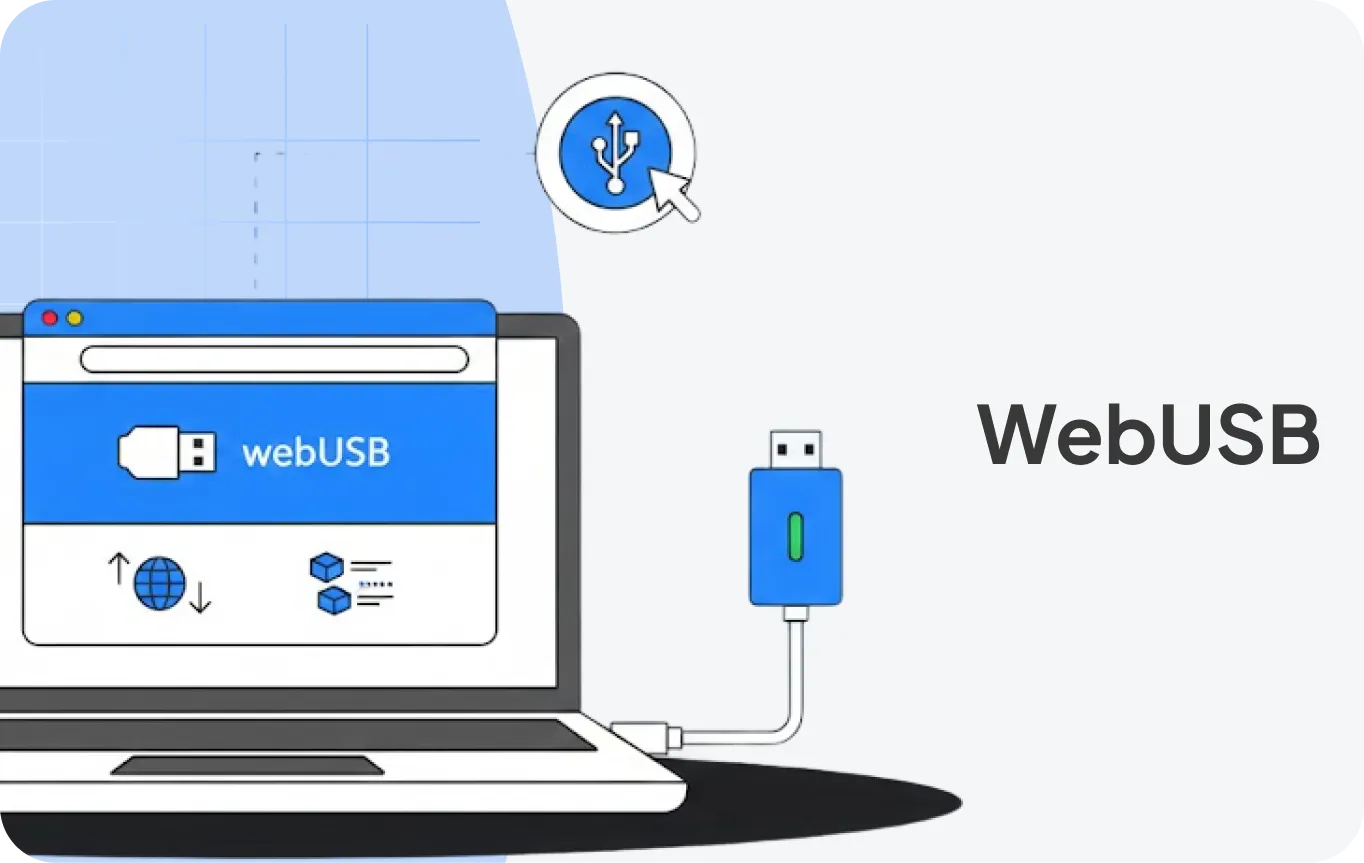
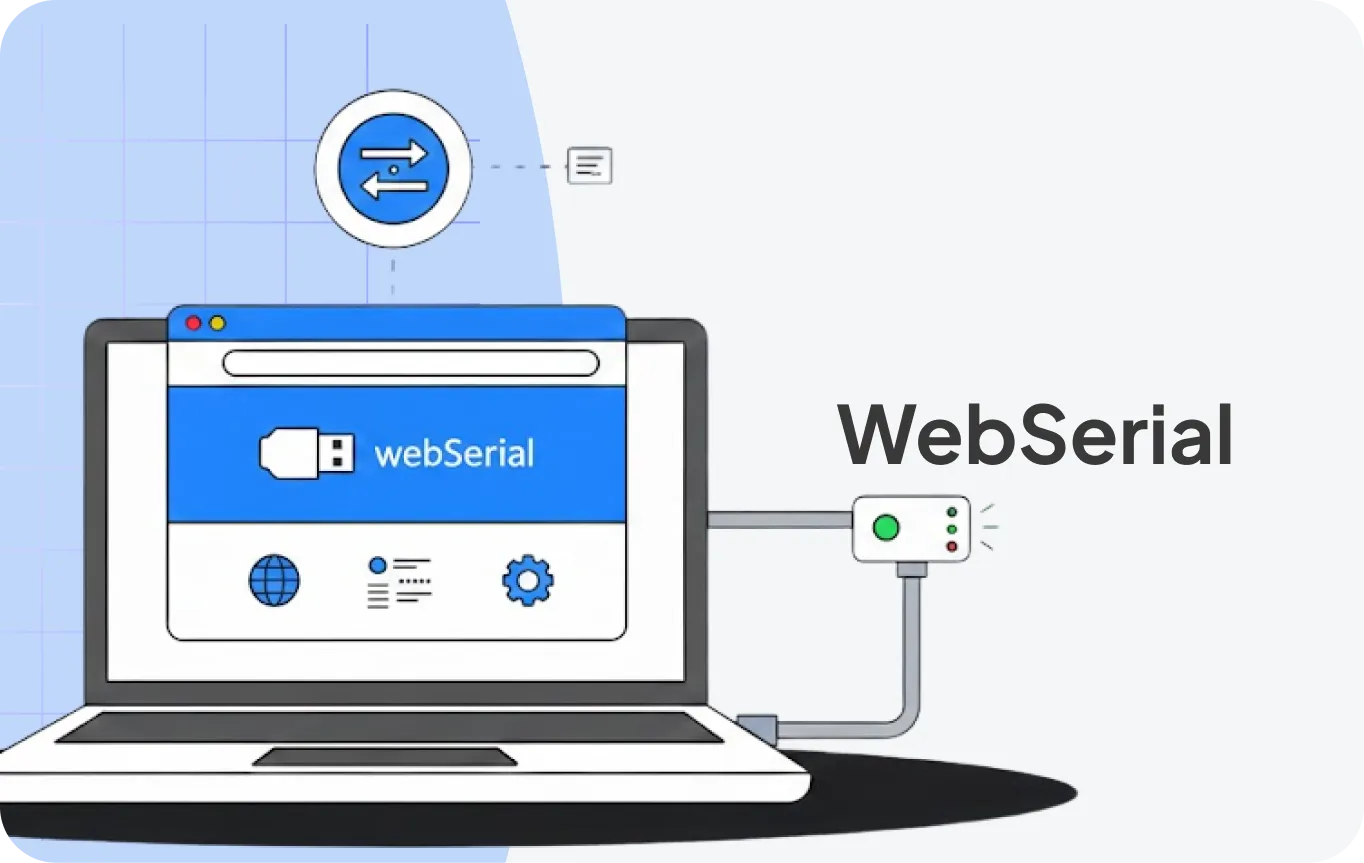
Choosing the Right API
Compare WebUSB and WebSerial to find the best fit for your device.
Devices requiring structured USB communication
Devices using standard serial protocols
Yes
No
Uses standard WinUSB interface info
No additional driver required
Windows / macOS / Linux / ChromeOS
Windows / macOS / Linux / ChromeOS
USB
USB / Bluetooth
Structured packets
Streamed data
Learn With The Official Docs
Start here for the concepts then dive into the developer.chrome.com articles and samples for code.
 FEATURED
 Build web-connected devices
See how Chrome enables direct device access from the browser using WebUSB and WebSerial, with minimal OS-specific setup.
 LATEST NEWS
 What’s new for device access in Chrome
Stay current on API changes, samples, and guidance added to the docs.
Developer Tools & References
Access official documentation, samples, and testing resources to build and validate your JavaScript drivers.


Samples & Quickstarts
Explore sample code, permission prompts, and “hello-device” walkthroughs.